

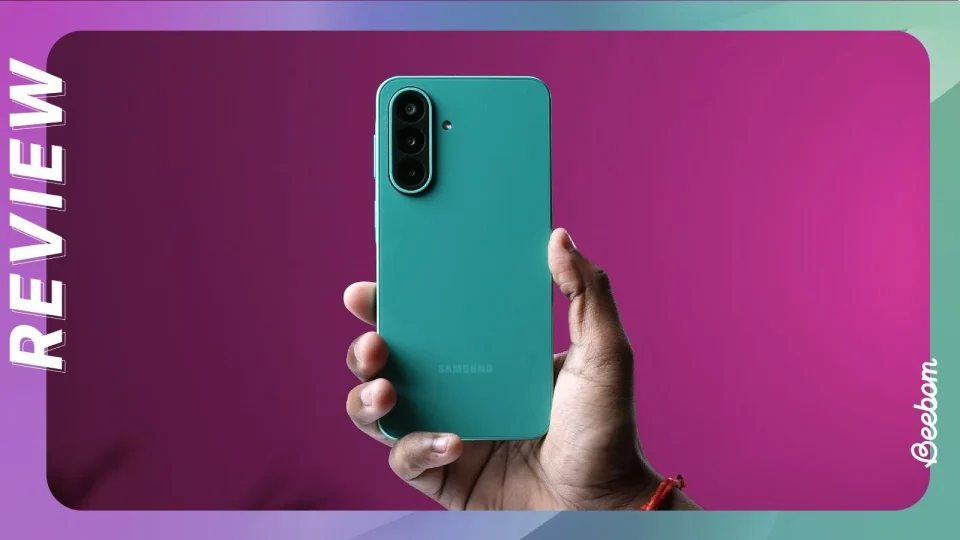
Samsung has begun rolling out the One UI 9.0 update to the Galaxy F70 Pro, with the firmware version E476BXXU3BZJ1 now available in India and Sri Lanka. Users in those countries can check for the update in Settings > Software update > Check for updates; once downloaded, tap Restart now to complete installation and run One UI 9 after the phone reboots.
The Galaxy F70 Pro launched in August with Android 16 and One UI 8.5 preinstalled. Samsung committed to providing six major Android OS updates for the phone, and this release represents the first of those promised updates.
One UI 9: Productivity and multitasking
The update expands quick panel customization: controls can be rearranged, and the size of the brightness and volume sliders and the media player can be changed. The sound mode button can also be separated from the volume slider.
Privacy, security and device protection
A new Warranty and care menu in Settings provides warranty information, diagnostic checks and guidance for device maintenance. Locking the phone quickly is simplified: press and hold the Volume down and Side buttons together or tap the Power button in the quick panel to prevent biometrics from working on the next unlock. A blue indicator now appears at the top of the screen when an app accesses location; tapping the indicator in the quick panel reveals which app is using location.
Samsung Health redesign and features
Samsung Health receives a redesigned interface with clearer visuals and improved charts. Home-screen cards can be resized and organized by category such as Activity, Sleep, Mindfulness and Nutrition. Users can log mood, meals and other data directly from the Samsung Health home screen and may use the camera for faster input. Trend charts support hourly, daily and weekly views with pinch-to-zoom and overlaying multiple charts. Sleep vitals can be monitored using Galaxy Watch or Ring measurements. Heart-health tracking includes a daily score based on sleep, exercise, BMI and vascular load. Cardio load tracking shows how workouts affect the heart, with a target cardio load range that adjusts daily. A Fitness Index aggregates five fitness metrics—body composition, cardio, strength, flexibility and endurance—and offers goal-setting and personalized insights. A new Hearing tracker monitors sound levels detected by Galaxy Watch and headphone audio. Cycle and body rhythm tracking offer enhanced cycle options and calendar views.
Bixby updates
Bixby conversation management is improved: conversations can be searched, renamed, pinned or deleted in bulk. A Bixby widget can be added to the Home screen to type or talk to Bixby or jump directly to conversation history.
Accessibility improvements
A What’s new menu in Accessibility settings highlights recent features. Text spotlight enlarges and highlights tapped text in a separate window with customizable font size and colors. Physical keyboard shortcuts provide quick access to Accessibility settings. Mouse keys gain new speed and acceleration controls and number-pad pointing and clicking. The Replace swipe with single tap option has been moved to the Dexterity and interaction menu. Select to speak lets users select an item to hear it read or described aloud without enabling full TalkBack. TalkBack updates can now be delivered through the Play Store as a regular app update.
Other interface changes
The changelog also notes a new Lock screen clock among additional improvements.
Users should ensure they are in India or Sri Lanka and check Software update to confirm availability of firmware E476BXXU3BZJ1 before proceeding with installation.
