

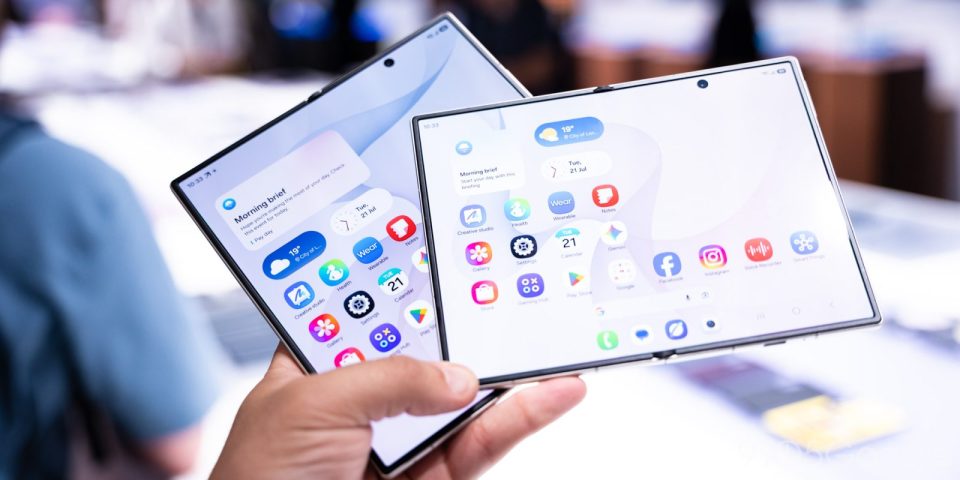
Galaxy Z Fold 8 can now remember separate auto-rotate settings for its cover and internal displays thanks to One UI 9.0 (Android 17). Spotted on Reddit, the change lets you disable auto-rotate on the outer screen while keeping it enabled on the inner display.
Why this matters on a foldable
On a standard smartphone many users turn off auto-rotate to avoid accidental orientation changes while holding the device. Foldables—especially book-style designs like the Galaxy Z Fold 8—are used differently: the inner display is often rotated to better suit content, making auto-rotate useful there. The split in usage patterns between the cover screen (used like a normal phone) and the inner screen creates conflicting preferences that Samsung now resolves with this option.
How it works
With One UI 9.0 (Android 17), the system stores auto-rotate preferences separately for each display. When you switch from the cover screen to the inner display, the Galaxy Z Fold 8 automatically applies the saved setting for the active screen without any manual input.
User impact
Separate auto-rotate control reduces accidental rotations on the cover screen while preserving a smooth, context-appropriate experience on the inner display. For users who frequently switch between basic phone tasks on the cover screen and media or reading on the inner display, it’s a small but practical ergonomic improvement.
The update has been reported on Galaxy Z Fold 8 and Galaxy Z Fold 8 Ultra units running One UI 9.0. It underscores a broader trend of OEMs refining software to better accommodate the unique interface needs of foldable devices.
