

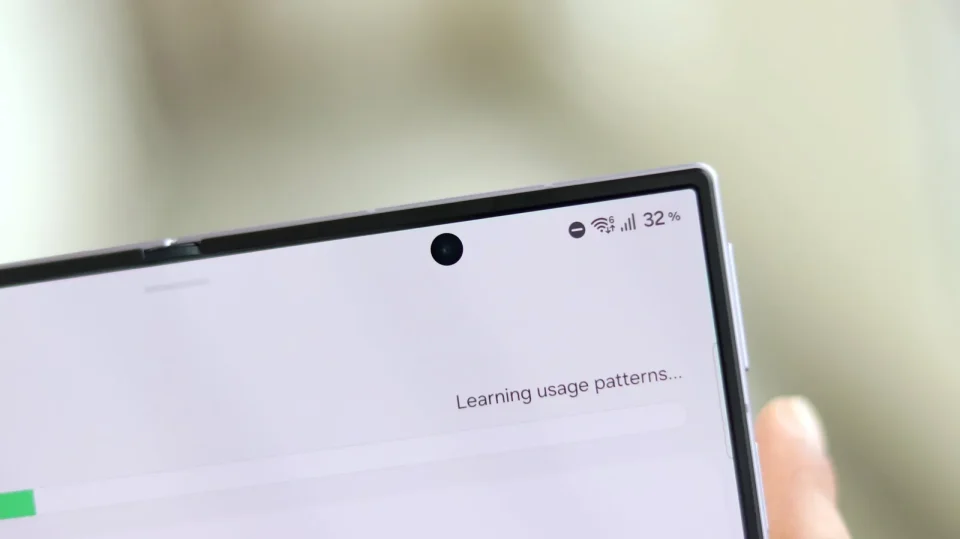
Many Galaxy Z Fold 8 owners who dislike the foldable display’s selfie camera cutout can make it less distracting using a long-standing One UI feature that places a black bar over the cutout. The setting works on the Fold series with the added flexibility of separate profiles for the cover screen and the foldable panel.
Some users choose a crude workaround—unfolding the Fold 8 and turning it upside down so the cutout interferes less with content—but One UI offers a cleaner option that preserves a uniform top area across apps.
Galaxy Z Fold 8 camera cutout
On the Fold 8 (and the Fold 8 Ultra), One UI lets you hide the Infinity‑O camera by disabling several rows of pixels at the top of the display. On foldable devices, camera cutout settings are stored independently for the cover screen and the inner foldable panel, so you can hide the cutout on one screen while keeping it visible on the other. One UI also saves separate camera cutout preferences for each app and display.
To try it yourself, unfold the device so you can access the foldable panel’s display settings (the menus must be navigated with the Fold unfolded). Then go to Settings > Display > Camera cutout, find the desired app, tap it and select Hide camera cutout. Launch the app to see the change: the cutout is replaced by a larger but more uniform row of black pixels at the top of the screen.
You will lose some vertical screen real estate by limiting the foldable’s effective vertical resolution, but the cutout will no longer intrude on content. Because settings are per app and per display, the same app can show the cutout on the cover screen and hide it on the foldable panel.
Removing the camera entirely is not an option for the existing Fold 8 hardware; Samsung may address the cutout in next year’s Galaxy Z Fold 9, but that change cannot be applied to the Fold 8.
