

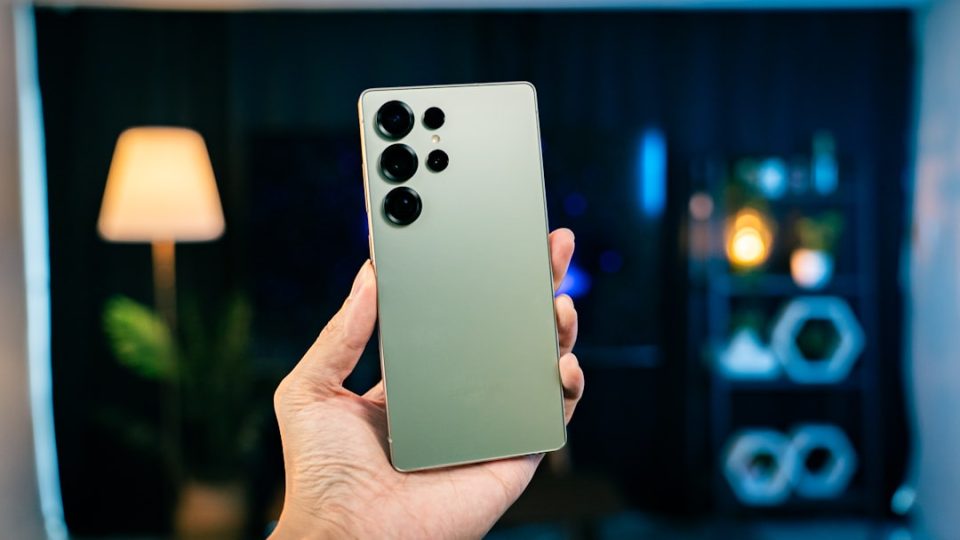
The Samsung Galaxy S26 Ultra boasts a 6.9-inch Dynamic AMOLED 2X display with a peak brightness of 2600 nits and a refresh rate that adjusts between 1Hz and 120Hz. Straight out of the box, the device is configured for broad compatibility, meaning many of its most useful display features are not immediately visible or enabled. This article highlights key settings worth adjusting for a more personalized experience.
The Privacy Display is a groundbreaking feature that narrows the screen’s viewing angle, ensuring content is visible only to the user. This can be activated via Settings or added to the Quick Panel for easy access. You can also set it to activate automatically with specific apps.
The Always On Display, initially turned off, can be enabled to show the time, notifications, and more when the screen is off. Users can customize its display schedule and content style, including clock styles and widgets.
Adaptive refresh rate technology adjusts the screen’s refresh rate based on the content, optimizing battery life and performance. Users can choose to lock the refresh rate at 60Hz for better battery conservation.
Edge panels offer quick access to apps and features, sliding in from the screen’s edge. These panels can be customized in terms of content and appearance, providing a convenient shortcut layer.
For screen resolution, the Galaxy S26 Ultra defaults to FHD+ but can be switched to QHD+ for sharper images. Screen zoom and font size settings allow further customization of how content appears.
The Eye Comfort Shield reduces blue light emissions, shifting the screen towards warmer tones to minimize eye strain and improve sleep quality. It can be manually adjusted or set to adapt automatically.
Lastly, Adaptive Colour Tone uses the front camera to adjust the screen’s colour temperature based on ambient light, ensuring a natural display appearance. This feature complements the Eye Comfort Shield, providing a more consistent viewing experience.
