

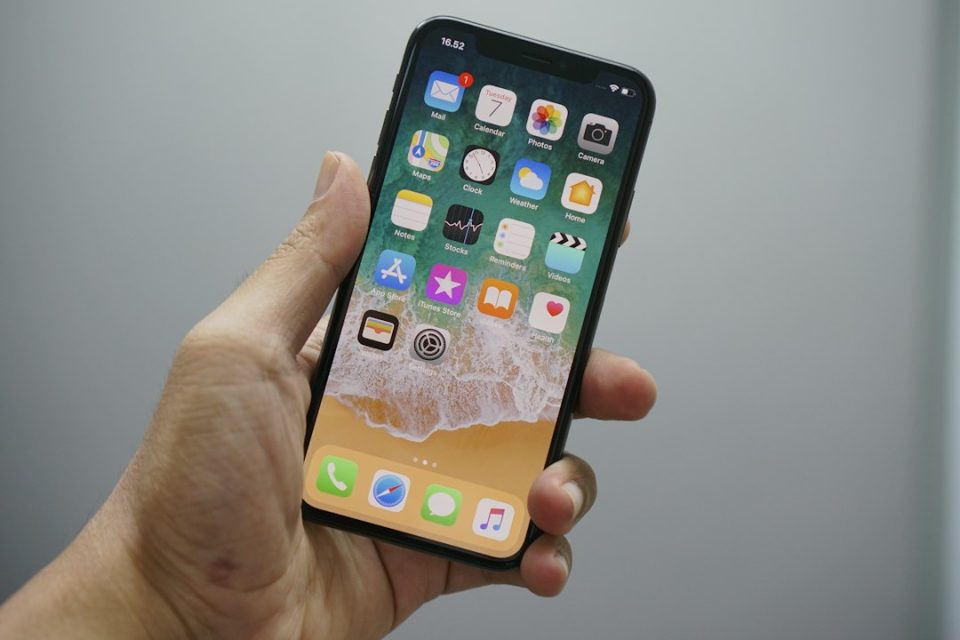
Apple released iOS 27 this week. The free update is available now on supported iPhone models and can be installed via Settings ➝ General ➝ Software Update. While Apple says this release focuses on refinement and bug fixes, it also introduces a wide range of new features, led by a context‑aware Siri and expanded Apple Intelligence capabilities.
Key features in iOS 27
iOS 27 brings systemwide Apple Intelligence improvements and multiple new user features across Photos, Camera, Safari, Messages, Wallet, Maps, Home, Health and more. Notable additions include a re‑tooled, context‑aware Siri for the generative AI era, a more powerful Image Playground that can produce photo‑realistic images, and new privacy and convenience options such as automatic password updates and custom location‑sharing durations.
Apple Intelligence and Siri
Siri has been redesigned around Apple Intelligence, gaining context awareness and broader onscreen awareness that lets it understand selections and images in any app. Siri’s Writing Tools now work across the system to draft, shorten, rephrase or proofread text and to match the user’s writing style in Mail and Messages. Users can long press an email to invoke Ask Siri for summarization, extraction of details like flight numbers, package tracking, or to perform actions such as deleting every message from a sender or saving items to Reminders. Conversation exchanges with Siri are logged in the Siri app, and switching between Siri and ChatGPT is supported by long pressing the text field in the new Siri app, though conversation context does not transfer between providers.
Photos, Camera and image tools
Photos and Camera gain multiple AI features. A new wallpaper Extend option uses Apple Intelligence to expand a photo beyond its original boundaries so it fills the Lock Screen more naturally, and Extend is also available in Photos. The Photos app adds ratings (one to five stars) and keywords, and a Show Rating Controls option in Settings. New Utilities folders include Captured by Me, which collects images taken with the Camera app, and Identity Documents for passports and licenses. A Reframe tool uses spatial data and AI to change camera angle in post‑processing, and Clean Up has been rebuilt to remove larger or more complex elements with Fast, High Quality, and Auto modes. You can now extract and save a still frame from video as a photo, and create slideshows from any album or selection, customize transitions and music, and save or share them as videos.
The Camera app adds a Siri mode that uses Visual Intelligence to identify objects in the frame — plants, animals, food and more — and offer related actions such as adding an event to Calendar, translating text, or splitting a bill.
Image Playground is upgraded to a new generative model running on Private Cloud Compute, able to create high‑quality images in many styles, including photo‑realistic output. All generated images carry a hidden SynthID watermark. The app also supports photo‑based editing.
Safari, Shortcuts and productivity
Safari uses Apple Intelligence to organize open tabs automatically into topic‑based collections and adds a Create an Extension option that generates a browser extension from a plain‑language prompt. A new Notify Me feature can monitor a webpage and alert you to changes. Shortcuts can now be built by natural language: Describe a Shortcut and Apple Intelligence assembles the appropriate actions and automations. Spotlight has been replaced by a swipe‑down Search or Ask interface, and Apple rebuilt the search index for more current results; Mail search now ranks by relevance and intent.
Messages, FaceTime and communication
Messages gains several changes: inline replies to messages from Android users are possible by long‑pressing a green bubble, drawing tools are available via the plus button to send sketches, and accidental short voice messages can be avoided by choosing which audio button appears in the text field. Failed sends are retried automatically and large attachments show individual progress bars. FaceTime supports Dual Capture on iPhone 17 models and iPhone Air, showing both front and back camera views simultaneously to the caller.
Wallet, Wallet passes and payments
Wallet expands the redesigned pass experience to membership, gift, loyalty and rewards cards with a Poster Generic layout, background image, logo, customizable fields and up to two quick actions. A Create a Pass option digitizes physical tickets, membership cards or coupons by scanning a barcode or QR code. Wallet also adds an Insights feature to monitor spending by connecting accounts, subject to bank support and broader availability today in the U.K.
Apple gift cards can be redeemed by tapping the physical card to the back of an iPhone.
Home, iCloud and privacy
The Home app can generate written summaries for HomeKit Secure Video motion alerts, group footage across cameras, highlight noteworthy recordings and support natural language search; this capability requires an iCloud+ plan with at least 2TB of storage (noted as a $9.99/month subscription). Call Context in Phone surfaces relevant information found on device, such as reservation numbers or confirmation codes, when calling a business; Apple says it looks only at who the user is calling and does not access call audio. Maps adds Local Lists to surface locally trending places in the U.S., and Flyover imagery is improved with Apple Intelligence for sharper textures and more realistic lighting in select cities.
Security, passwords and accounts
Passwords can be updated automatically: Apple Intelligence can navigate to eligible websites in Safari, sign in and change weak or compromised passwords with a tap. iPhone Handoff enables using the same phone number on two iPhones via eSIM and carrier support; launch partners include T‑Mobile in the U.S. and Deutsche Telekom in Germany, with T‑Mobile charging $5 a month for the feature. iCloud Shared Albums now accept Android and Windows contributions through a web browser, with full‑resolution uploads, expiration options and an activity log; album contents count against the album owner’s iCloud storage.
Accessibility, Health and other system changes
Accessibility adds Live Recognition to identify and describe people, objects and surroundings in real time and to answer questions about what the camera sees, powered by on‑device intelligence. Cycle Tracking expands to cover perimenopause and menopause and will notify users when logged patterns suggest perimenopause, with matching Fitness+ workouts and a redesigned Browse section. The Health app and Fitness+ integrations are part of those updates.
Audio, CarPlay and hardware features
AirPods with Apple’s H2 chip (AirPods Pro 2, AirPods Pro 3, AirPods 4 and AirPods Max 2) gain a Custom Equalizer accessible in Settings to adjust lows, mids and highs. The iPhone 17 Pro, iPhone 17 Pro Max and iPhone Air get an upgraded on‑device Apple Intelligence model that can understand and generate speech and unlocks new Siri voice expressiveness and speaking pace controls. CarPlay now permits video browsing and playback while parked and supports AirPlay streaming to the car display if automakers enable it. GymKit support arrives for iPhone, allowing two‑way syncing with compatible gym equipment that previously required Apple Watch.
Parental controls, Weather and performance
Parental Controls have been substantially reworked: Ask to Browse requires parental approval for each new Safari website, Ask to Buy remains for apps, Time Allowances cap daily categories, Daily Schedules control availability, and Communication Safety blurs gore, violence and nudity for under‑18s. Weather adds a Highlights section and a Conditions view that toggles temperature, precipitation and wind with a matching 10‑day forecast view.
Apple also reports system performance improvements back to iPhone 11: apps may launch up to 30 percent faster, AirDrop transfers up to 80 percent faster, and new captures appear faster in large libraries. The CPU scheduler has been reworked, the emoji keyboard no longer pauses before appearing, the Camera app opens faster in Low Power Mode, and the system is better at switching between Wi‑Fi and cellular.
The update covers many smaller changes too, from a compact Lock Screen clock layout and a Liquid Glass opacity slider to expanded Genmoji editing, improved HomeKit summaries and fine‑grained alarm volume controls. iOS 27 is available now as a free update on supported iPhone models via Settings ➝ General ➝ Software Update.
