

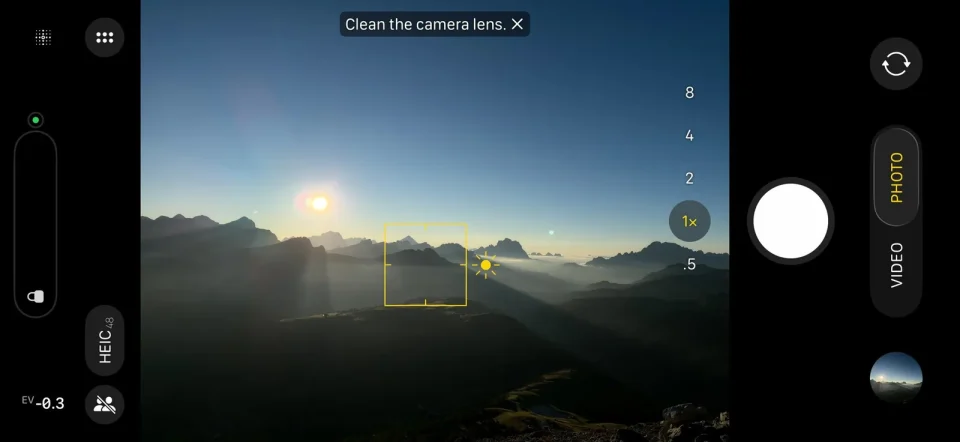
Apple has expanded Cinematic Mode on the iPhone 18 Pro and iPhone 18 Pro Max to support 4K recording at 60 frames per second, bringing higher-resolution, higher-frame-rate cinematic effects to compatible devices.
Cinematic Mode uses Dolby Vision HDR and a technique called “rack focus” to lock focus on a subject and blur the background, creating a depth-of-field effect. The feature automatically shifts the focal point when you reframe the shot or when a new subject enters the scene; it can also switch back to the original subject if that person looks away from the camera.
How to enable Cinematic Mode on iPhone 18 Pro
To set Cinematic Mode to 4K at 60 fps on an iPhone 18 Pro or iPhone 18 Pro Max, open the Settings app, go to Camera, tap Record Cinematic, and select 4K at 60 fps.
Editing Cinematic Mode videos and Audio Mix
You can edit Cinematic Mode recordings in the Photos app: select the video and tap the sliders icon at the bottom of the screen (landscape orientation can make this easier). Among the available settings is an Audio Mix option that uses new algorithms to deliver higher-quality voices and can isolate music.
On the iPhone 17 series, Cinematic Mode video could be recorded in 4K at 30fps; the iPhone 18 Pro models extend that capability to 4K at 60fps.
A note on storage: one minute of Cinematic video uses about 135 MB at 4K 24 fps, 170 MB at 4K 30 fps, and around 400 MB at 4K 60 fps.
