

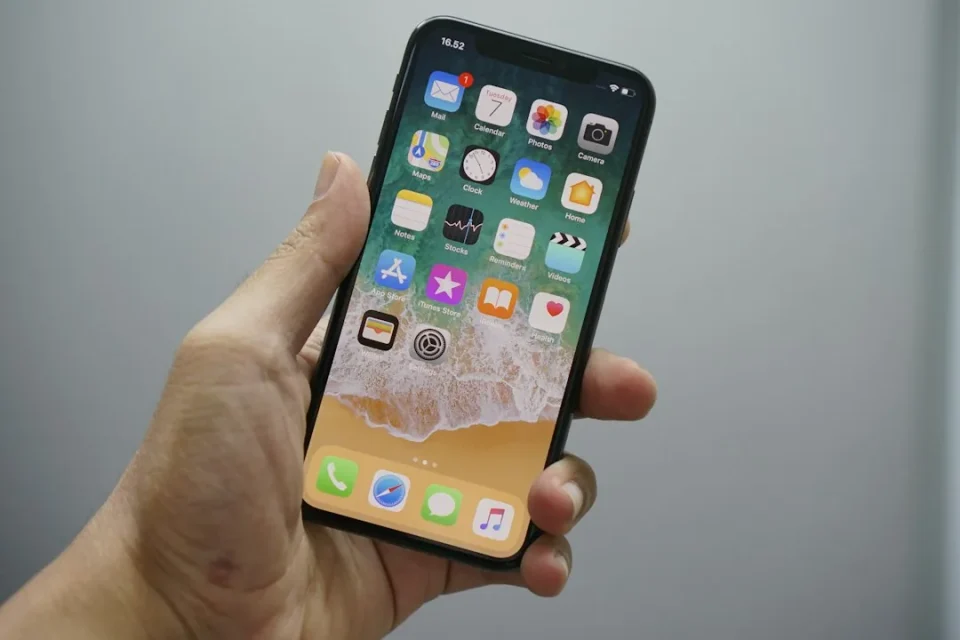
iPhone features that users rely on every day were highlighted in a recent online discussion after a Reddit user asked which small functions people use almost every day but rarely see discussed. Contributors named a range of simple, built‑in tools that can make daily use faster or more comfortable.
iPhone features: Built-in Ambient Background Sounds
One user praised the iPhone’s Background Sounds, which play ambient noises such as ocean waves or rain to help with focus or rest. To enable them, open the Settings app, go to Accessibility, then Audio & Visual. From there, click on Background Sounds and turn it on. You can choose a sound, adjust its volume, schedule it to start at a certain time and set a timer for when you want it to stop.
Quick typing shortcuts for symbols
A little-known keyboard shortcut lets you access the degrees symbol by tapping and holding the 0 key on the iPhone keyboard. Holding certain letters also reveals options for accents and other diacritics. One Reddit user wrote: “Instead of texting ‘it was 70 degrees today’ I can type ‘it was 70° today!’ And feel like a total badass.”
Quick camera access via side button
Several users pointed out the quick camera button available on supported iPhone models. The button on the right side of the phone opens the Camera app for fast shots when you need to capture something quickly.
Schedule messages with iMessage ‘Send Later’
Another useful feature is the ability to “send later” on iMessage. As Apple explains: “If it’s too late at night or too important to forget, you can schedule a text message to be sent at a later time.” The option works only when using iMessage; the recipient can be on any device and will not be notified that the message was scheduled. Apple also notes: “You need to be online to reschedule, edit, or delete a scheduled message.”
