

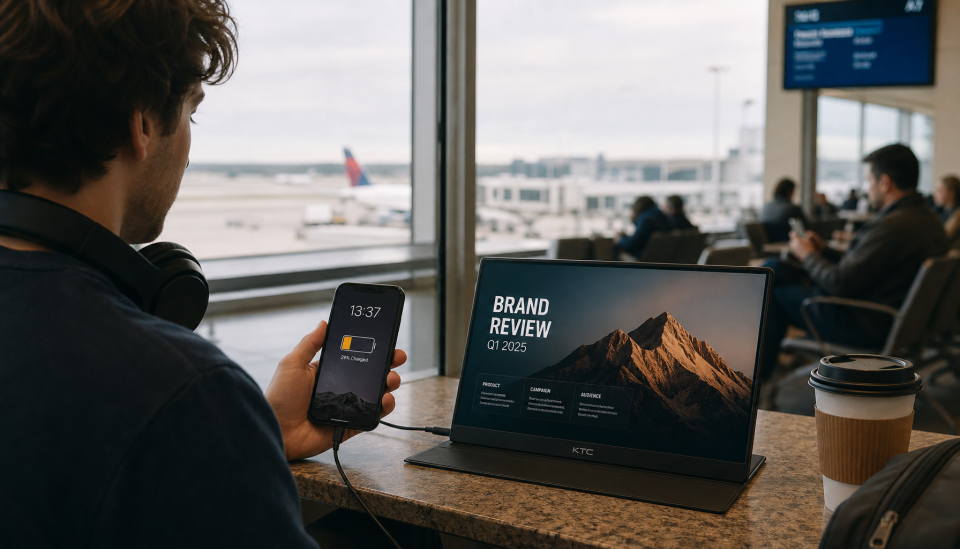
Apple’s Wallet and a new crop of flight‑tracking apps are turning the iPhone lock screen into a live departure board, giving travelers and people picking them up near‑instant visibility into delays, gate changes and arrival estimates.
Why demand for real‑time tracking is growing
Air travel disruption remains common. Recent performance data from U.S. and European aviation authorities show on‑time operations lagging pre‑pandemic levels, with weather, air‑traffic control limits, airport capacity and airline operational issues regularly contributing to delays and cancellations. That persistent uncertainty is pushing passengers to seek earlier, clearer signals of disruption rather than waiting for departure‑board updates or email alerts.
How Apple Wallet turns boarding passes into live dashboards
Apple has expanded Wallet so modern boarding passes can carry structured flight metadata—airline codes, flight numbers and dates—that the system uses to pull live status from Apple’s flight information service. On up‑to‑date iPhones, eligible passes can trigger a Live Activity on the lock screen and in the Dynamic Island, presenting countdowns, boarding status, delays and revised arrival times at a glance. Wallet can also surface contextual features, such as airport directions via Apple Maps and baggage tracking links when supported. Passes can be shared with other iPhone users, allowing friends or family to see a simplified live card without installing an airline app.
Third‑party apps add mapping, radar and forecasts
Specialized trackers available on the App Store complement Wallet by offering richer aircraft positions, inbound‑aircraft context and historical performance. Providers that aggregate radar, ADS‑B signals and schedule feeds let users follow flights by number, route or nearby aircraft, and many deliver push alerts for gate changes, holds and cancellations. On compatible devices these apps also provide widgets and Live Activities, giving users multiple, independent sources to assess the likely evolution of a journey.
What travelers should check before leaving home
Support for live Wallet passes varies by carrier and route. To get the smoothest experience, add a supported boarding pass to Apple Wallet as soon as it is issued, install the airline’s app when recommended, enable Live Activities and lock‑screen notifications, and keep iOS up to date. When pass sharing is used, both the traveler and recipients need current iOS versions for real‑time visibility to function correctly. Many users also run a dedicated tracker alongside Wallet to monitor inbound aircraft and historical delay patterns.
A new operating rhythm for disrupted travel
As airlines and airports adopt richer Wallet passes and flight‑tracking services continue to mature, the phone in your pocket is increasingly the first place you’ll see a disruption. That shift does not eliminate delays, but it gives passengers faster, more actionable information to adjust plans—reducing the time spent searching email or queuing at gates for updates.
