

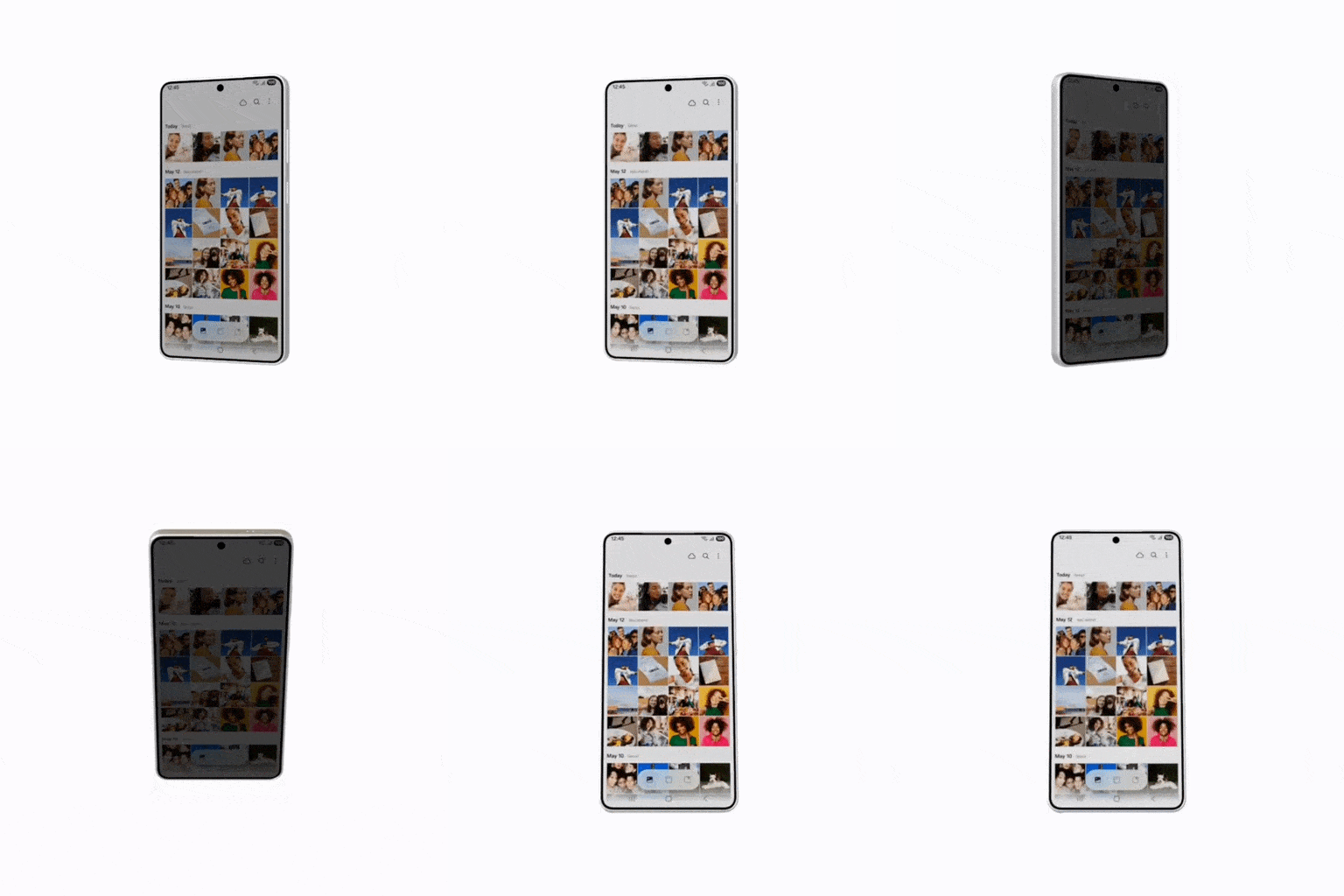
One UI 9.5 adds three privacy and security features to the Galaxy S26: App Lock, an automatic Privacy display for secure features, and simultaneous fingerprint and face recognition when both methods are registered.
One UI 9.5: App Lock keeps apps private
App Lock lets you lock individual apps. Locked apps require biometrics or your screen lock (PIN, pattern, or password) to open, and their widgets and notification content are hidden, even when someone has access to your unlocked phone.
Privacy display extends protection
Privacy display can now turn on automatically for secure features, including Locked apps, Secret mode in Samsung Browser, private albums in Gallery, and locked notes in Samsung Notes. It also protects the notifications panel and Recent previews from any app set to turn on Privacy display automatically. (Supported on Galaxy S26 Ultra.)
Simultaneous fingerprint and face verification
Fingerprint and face recognition now work at the same time if you’ve registered both and the feature you’re using supports both verification types. You no longer need an extra tap to use face verification—just look at the screen or touch the fingerprint sensor to verify your identity.
