

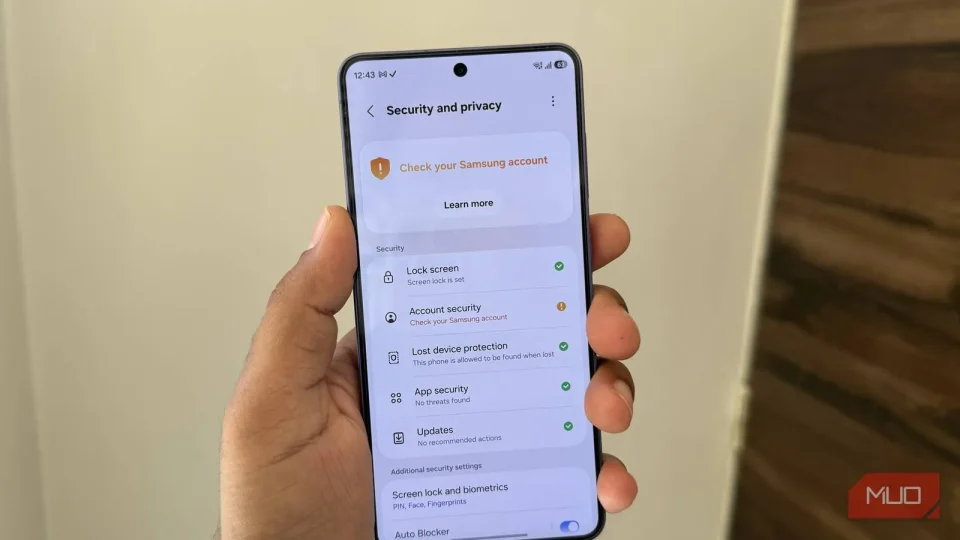
Samsung has added a native app lock to One UI 9.5, letting Galaxy users lock individual apps behind biometric authentication or a PIN, pattern, or password. The feature addresses a long-requested need for simpler app-level privacy control.
Before One UI 9.5, Galaxy owners had to rely on Secure Folder to keep apps and their data inaccessible to others. Secure Folder isolates apps from the main system by creating a separate copy, which forces users to manage separate logins, open a separate vault, and cope with restricted file and photo sharing between the duplicate app and the primary phone profile.
How One UI 9.5 app lock works
Opening a locked app requires biometric verification or the device’s PIN, pattern, or password. Notifications from locked apps are hidden, and locking an app also removes its widgets from the home screen. On the Galaxy S26 Ultra, app lock integrates with Privacy Display so that Privacy Display can turn on automatically each time a locked app is opened.
Rollout and availability
Samsung says the app lock feature should be available on all Galaxy devices that receive One UI 9.5. Galaxy S26 users are getting access first through the beta program Samsung launched on November 17.
