

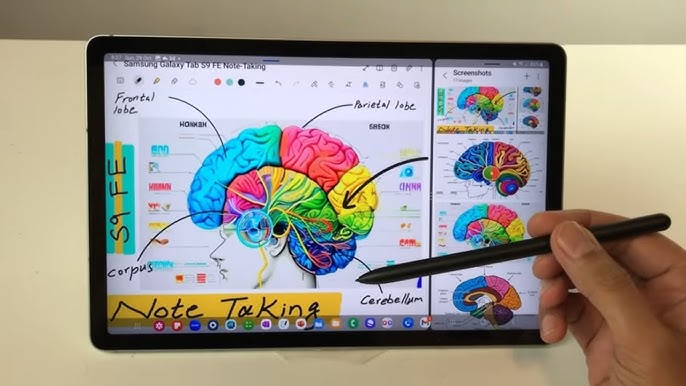
Samsung Notes has combined its regular and straight highlighter into a single Highlighter tool; users can draw straight lines by enabling the ‘Straighten Lines’ toggle in the Highlighter tool’s option menu, a Samsung Notes community forum moderator explained.
Samsung Notes highlighter changes
Earlier, the app offered four distinct highlighter pens: Regular Highlighter, Straight Highlighter, Regular Marker (round shape) and Straight Marker (round shape). Samsung consolidated those options so the Straighten Lines function is available across every pen in the Samsung Notes app.
How to use the Straighten Lines toggle
To draw a straight line, open the Highlighter tool’s option menu and enable the ‘Straighten Lines’ toggle. The company says this approach maintains consistency across its toolset.
Samsung is also testing a separate feature that would allow users to drag handwritten text to create space within a note.
