

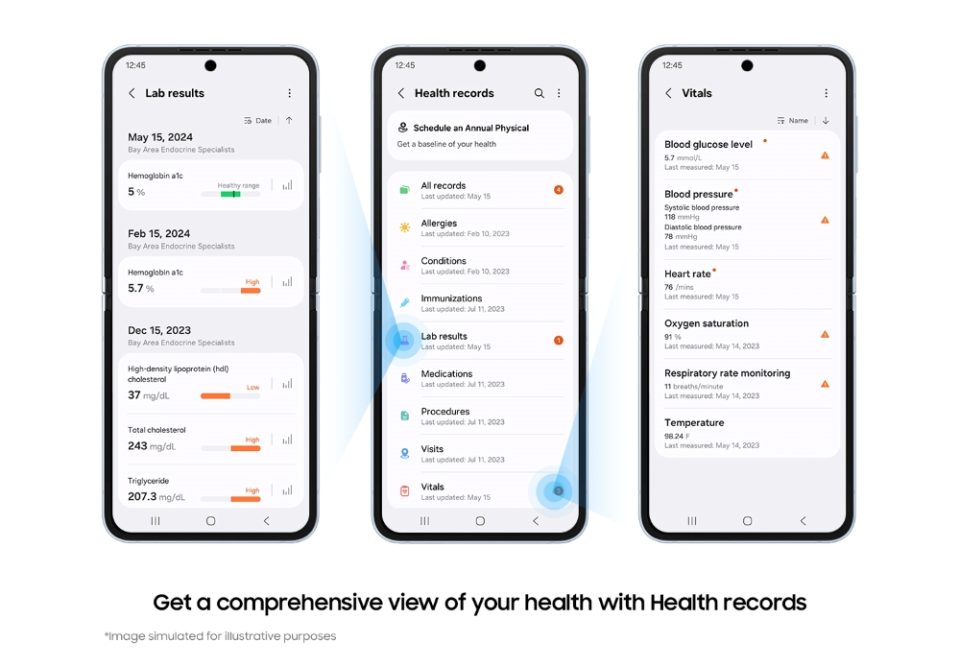
Samsung Health users are being prompted to allow their health data to be used for AI training and modeling. The new consent screen, rolled out in the latest app version on Android, asks whether stored and future Samsung Health data can be processed for AI purposes — including human review when necessary. The update raises immediate questions about data retention and device syncing for users who withhold consent.
What Samsung is asking users to agree to
The prompt explains that consenting permits Samsung to use existing and incoming Samsung Health information for AI training and modeling. It specifically notes that “human review” of data may occur when required, a phrase that emphasizes manual inspection alongside automated processing.
What happens if you decline — or later withdraw consent
If a user declines the initial request, the company states their data will not be used for AI training. But the flow is more complex for users who first agree and later try to disable the related setting. When toggling off the AI-training option in Settings, the app warns that withdrawing consent will trigger deletion of the user’s Samsung Health data from Samsung’s servers and will also disable Samsung Cloud sync for Health data.
Key ambiguities in the notification
The wording does not clarify whether deletion applies only to data collected after consent was withdrawn or to all historical Samsung Health records stored on the company’s servers. It also leaves unclear whether local device copies remain intact, or whether disabling sync prevents cross-device continuity of activity and health metrics.
Privacy and trust implications
Health-tracking data is highly sensitive, and tying cloud sync functionality to consent for AI training could erode user trust. Users may feel pressured to consent if they rely on Samsung Cloud to back up and synchronize vital health metrics across devices. The mention of human review further heightens privacy concerns for people who expect automated, de-identified processing.
What users should check and consider
– Review the exact consent wording in your Samsung Health app before accepting.
– Verify whether data remains on your device after withdrawing consent or whether deletion is comprehensive.
– Back up important health records locally if you rely on history and sync is disabled.
– Monitor official updates from Samsung clarifying retention periods, deletion scope, and the fate of synced archives.
Final note
The new consent prompt signals a significant shift in how Samsung Health handles user data for AI. Until the company issues clear guidance about which records are deleted and how sync is affected, users should proceed cautiously, review settings closely, and preserve any essential health information they cannot afford to lose.
