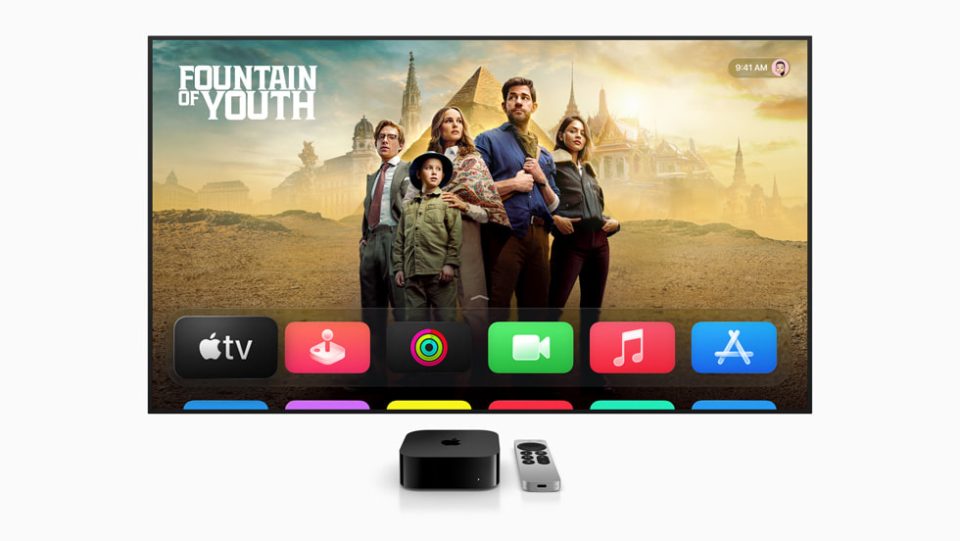
Apple’s upcoming iOS 27 introduces a convenient new feature that allows users to update their Apple TV directly from their iPhone. This functionality eliminates the need for a Siri Remote, as updates can be initiated through the iOS Home app’s settings, where Apple TV now appears alongside other devices like HomePod and HomePod mini. The update process is straightforward, requiring just a tap of the update button, and can also be done from an iPad with iPadOS 27. This feature hints at the integration of Apple’s anticipated smart home hub, expected to launch later this year, which will likely be managed via the Home app. The hub is rumored to feature a 7-inch display and built-in speakers, combining elements of a HomePod and an iPad. Additionally, the virtual Apple TV remote can now be added to the iPhone’s Home Screen in the latest beta, providing easier access. Currently, iOS 27 is in its second developer beta, with a public beta slated for July and a full release expected in the fall.
Can You Update Your Apple TV Using Your iPhone with iOS 27?