

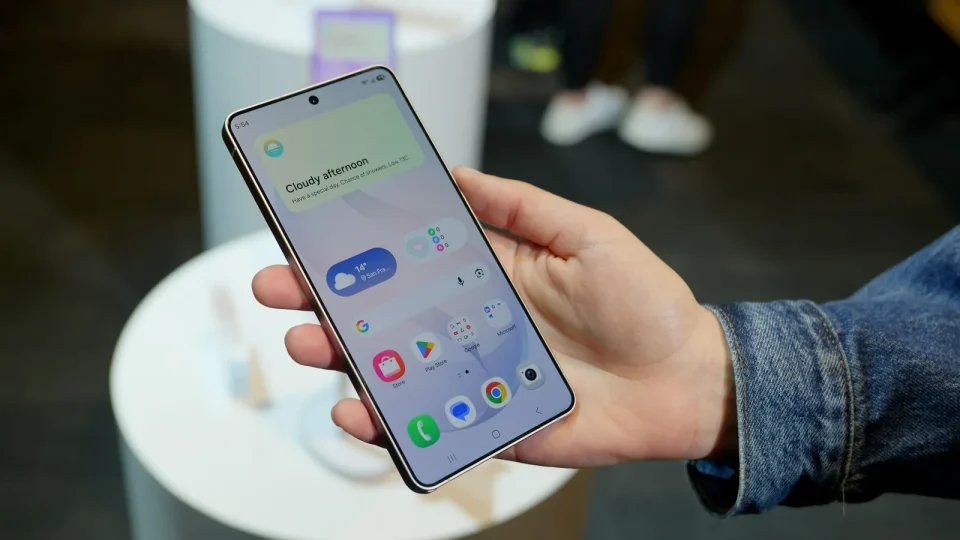
Since the update to One UI 9, some Samsung Galaxy S26 Ultra users report that the phone can become effectively unusable after a factory reset, because the device may fail to complete setup. Anyone who has already installed One UI 9 on a Galaxy S26 Ultra should avoid resetting the smartphone to factory settings.
Samsung began rolling out the One UI 9 update to the Galaxy S26 Ultra ($1,500 on Amazon) in mid-September. Users on the Samsung Community Forum say that after installing One UI 9 and performing a factory reset, the Galaxy S26 Ultra can no longer be set up. A Samsung employee has confirmed the issue in the forum.
Galaxy S26 Ultra setup failures and suggested workarounds
According to reports, the problem occurs because, in some cases, the device cannot connect to Samsung’s servers during the initial setup after a reset. Samsung recommends switching from the mobile network to a Wi-Fi network, then manually logging out of your Samsung account and attempting the setup again. If that does not resolve the issue, users should log into the Samsung Account website on another device, accept the latest terms of use, and retry the setup.
If none of these workarounds succeed, Samsung advises contacting Samsung support. The company has not confirmed when or with which firmware version the bug will be fixed, nor whether a server-side update could resolve the issue. Until the problem is addressed, users are advised not to perform a factory reset on a Galaxy S26 Ultra running One UI 9 to avoid the risk of rendering the phone unusable.
