

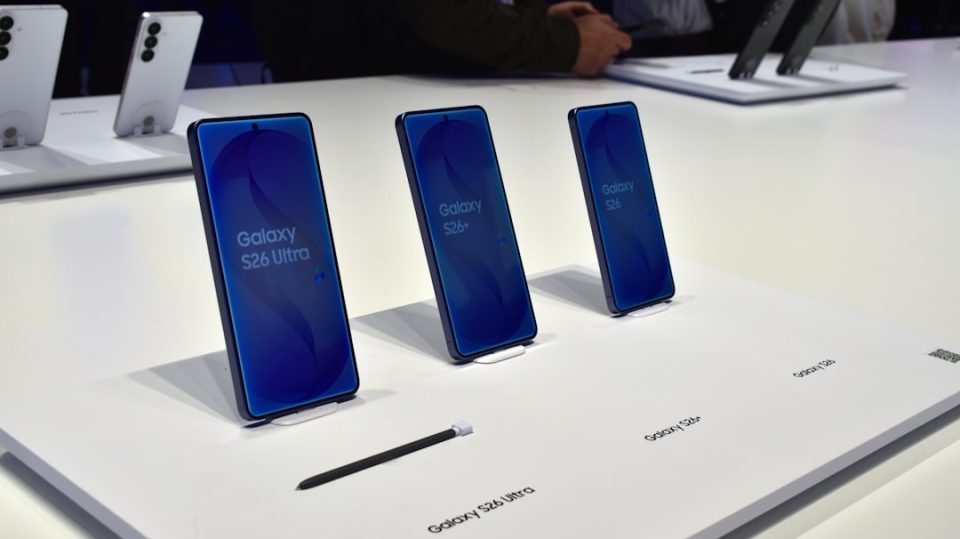
In today’s digital age, ensuring the privacy of your phone’s PIN or password, especially in public spaces, is crucial. The Galaxy S26 Ultra offers a solution with its Privacy Display feature. This function automatically narrows the screen’s viewing angle when you begin entering a PIN, pattern, or password, making it difficult for onlookers to see your input. Once you’re authenticated, the display returns to normal.
To activate this feature, navigate to Settings, then Display, and select Privacy Display. From there, turn on the feature and enable the PIN, pattern, password option. This ensures that every time you need to authenticate, whether unlocking your phone or accessing secured apps, the screen will adjust accordingly.
It’s important to note that Privacy Display only activates when entering a code. For those using facial recognition or fingerprint unlock, the feature remains off since there’s no visible input on the screen. However, for enhanced privacy, you can manually enable it. For maximum security, users can opt for the Maximum privacy protection setting, which significantly reduces the screen’s readability from angles.
Additionally, Privacy Display can be customized to activate for specific apps, notifications, or even based on location using Modes and Routines. This flexibility allows users to tailor their privacy settings to fit their lifestyle and security needs.
