

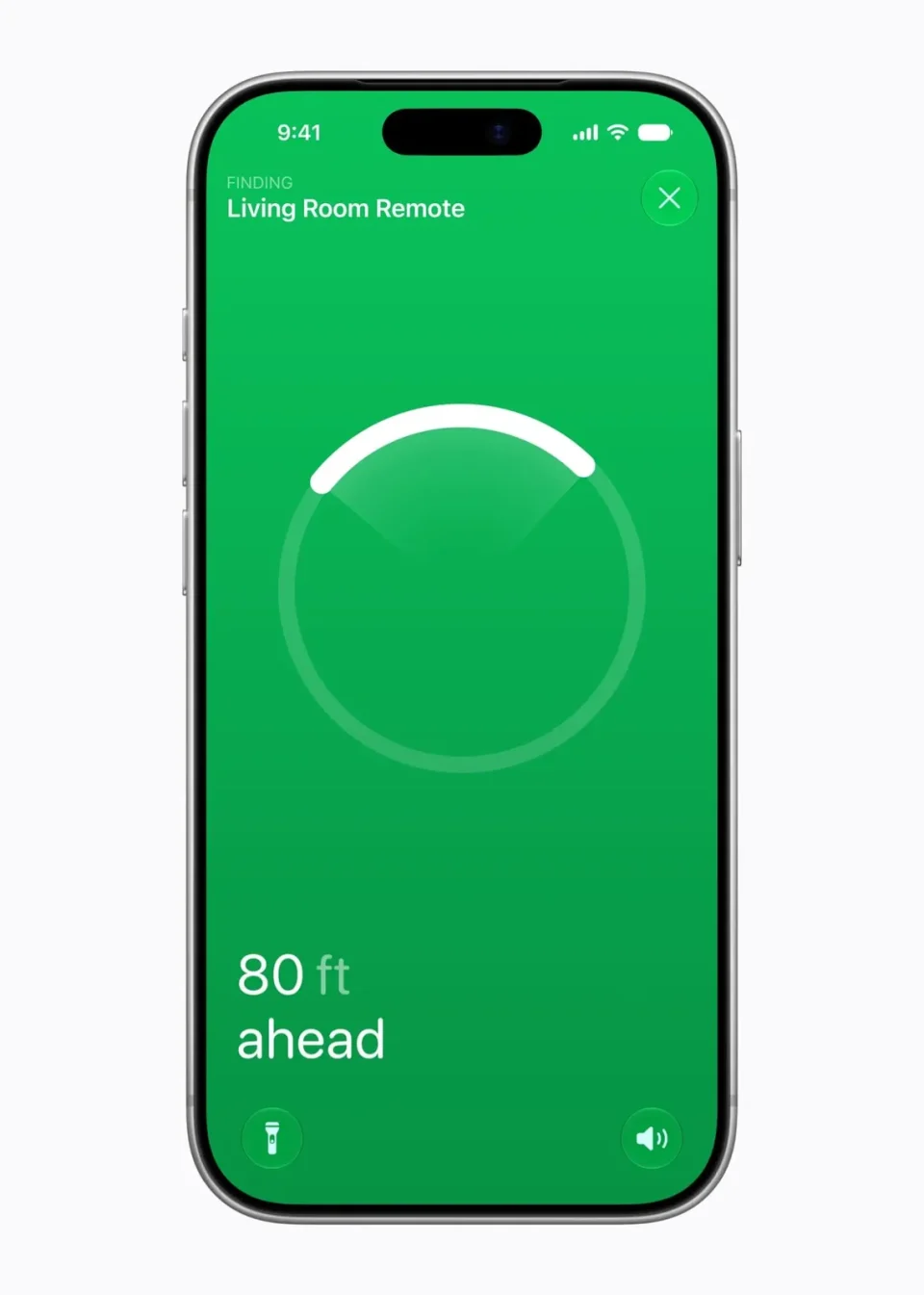
With iOS 27.2 and tvOS 27.2, second- and third-generation Siri Remotes can now be tracked directly in the Find My app.
Since iOS 17 it has been possible to locate a lost Siri Remote with an iPhone, but remotes did not previously appear in the Find My app. Locating a remote required the Apple TV Remote widget in the Control Center, a less visible option for many users.
Siri Remotes in Find My
Supported Siri Remotes are now listed in the Find My app alongside other devices, providing a more intuitive way for iOS and macOS users to find misplaced remotes.
Apple’s upcoming fourth-generation Apple TV 4K will introduce a Siri Remote with a speaker and Precision Finding to make it easier to locate. Older remotes cannot play a sound and do not support Precision Finding.
When the fourth-generation Apple TV was announced, Apple said Find My support would be available on the 2nd-generation Siri Remote and later; that support is now available.
Requirements and limitations
To see Siri Remotes in Find My you must install iOS 27.2 on your iPhone and tvOS 27.2 on your Apple TV. After installing tvOS 27.2, you may need to wait for new firmware to be delivered to the Siri Remote before it appears in Find My.
