

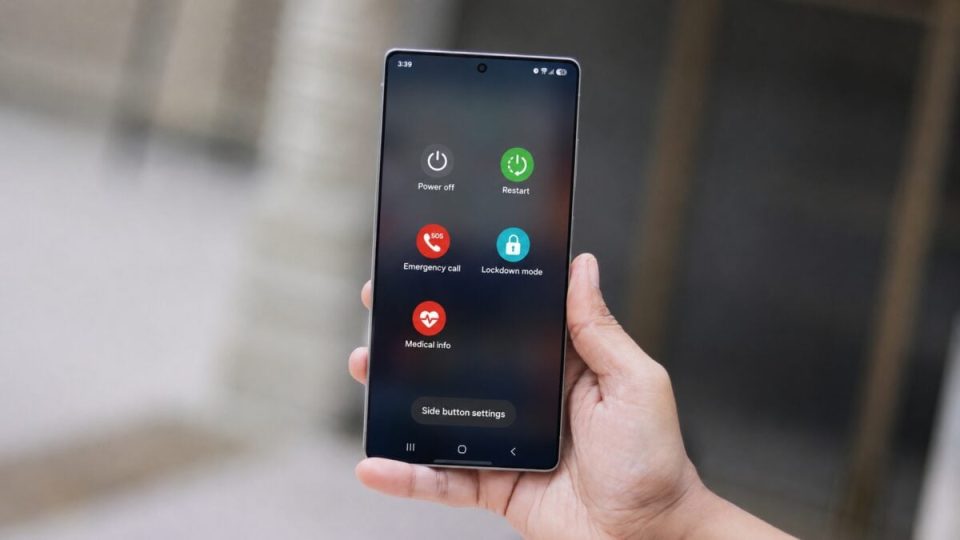
Samsung has made One UI 9.0’s new security behavior more transparent by adding an explicit message in the power menu that the phone is locked. The change, spotted in the fourth Galaxy S26 beta, clarifies a behavior introduced with One UI 9.0 (Android 17): opening the power menu now locks the device and disables biometric authentication.
A change in behavior, not a removal
With One UI 9.0, Samsung removed the explicit “Lockdown Mode” option from the power menu—but it did not remove the underlying protection. Where users previously had to enable Lockdown Mode manually (which disables biometrics and forces PIN, pattern, or password entry), the system now applies that protection automatically when the power menu is opened. This automation strengthens security by reducing the chance of unwanted biometric access when a user intends to power off or reboot.
Clear indication in the S26 beta
The fourth beta for the Galaxy S26 series adds a visible label in the power menu: “For your security, your phone is locked.” That message makes immediately obvious what was previously a silent state change, and helps avoid confusion for users who might have assumed the feature was removed.
What this means for users
The explicit message makes One UI 9.0’s behavior easier to understand without digging through settings. Users now know that opening the power menu disables biometrics and requires a PIN, pattern, or password to unlock, which can increase confidence in the device’s protection during sensitive operations like shutting down or restarting.
For now, this clarification appears in a beta for the Galaxy S26 series; it demonstrates how One UI 9.0 pairs subtle interface changes with stronger security measures while improving user communication.
